Converting CGPA to percentage accurately is essential for job applications, higher education admissions, and study abroad processes. Using the wrong conversion formula can lead to application rejection or scholarship ineligibility. Fortunately, several online tools can perform these conversions instantly and accurately, saving you time and preventing costly errors.
Different universities and educational boards use different conversion formulas. CBSE uses CGPA × 9.5, while SPPU and Mumbai University use (CGPA – 0.75) × 10. VTU follows yet another formula. A good online tool accounts for these variations and applies the correct formula based on your institution.
In this guide, we will explore the best online tools for CGPA to percentage conversion. We will also cover university-specific formulas, step-by-step usage instructions, and expert tips to ensure accuracy. By the end, you will know exactly which tool to use for your specific needs.
What to Look for in a CGPA Conversion Tool
Not all online converters are created equal. Some use generic formulas that may not match your university’s official conversion method. When choosing a tool, consider the following criteria for accuracy and reliability.
First, the tool should support multiple grading scales and university-specific formulas. A good converter will have options for CBSE, Anna University, VTU, SPPU, Mumbai University, and other major institutions. Generic converters that only offer CGPA × 9.5 will give incorrect results for students from universities with different formulas.
Second, the tool should be free and easy to use without requiring sign-ups or downloads. The best tools provide instant results with a simple interface. Third, the tool should be mobile-friendly so you can access it from any device. Finally, the tool should show the formula used in the calculation, allowing you to verify the result manually if needed.
Key features of an accurate CGPA conversion tool:
- Support for multiple university-specific formulas
- Free access with no sign-up required
- Mobile-responsive design
- Transparent display of the conversion formula
- Instant results without delays
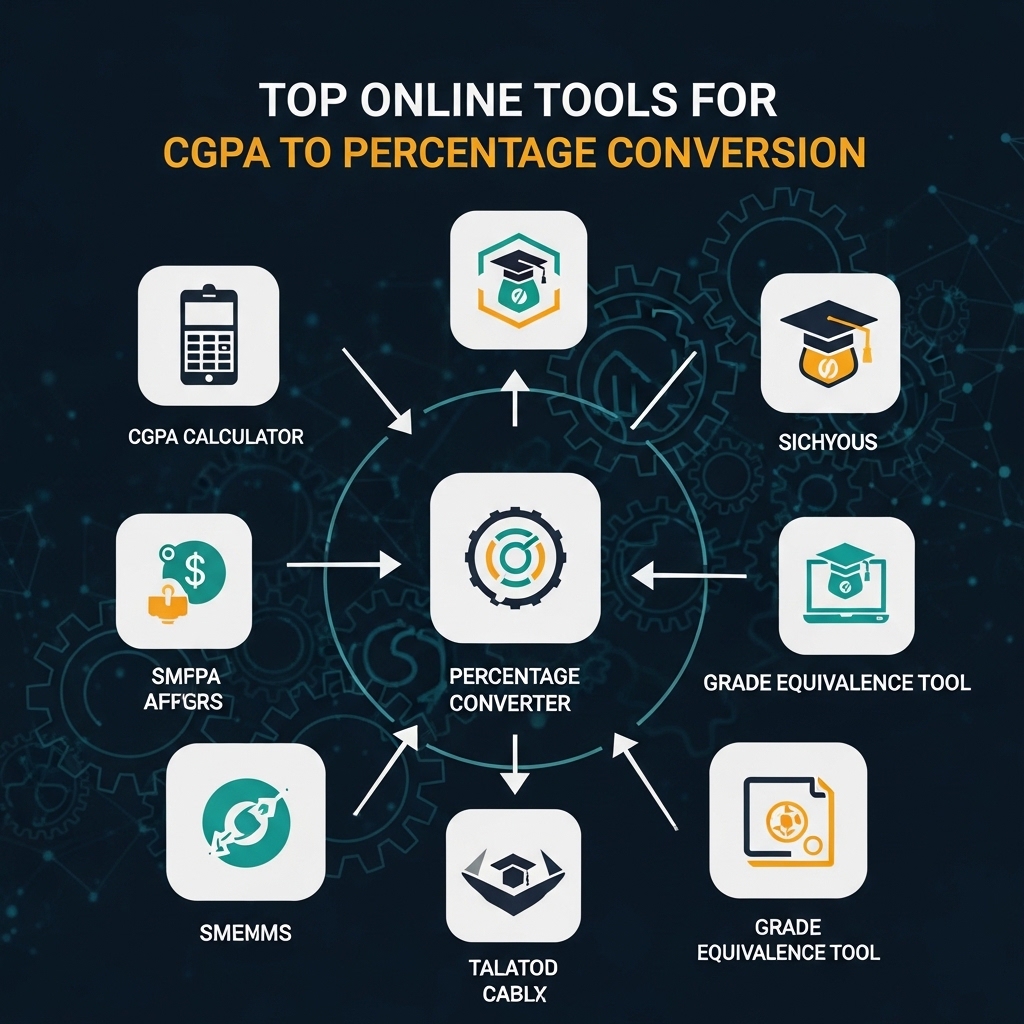
Top Online Tools for CGPA to Percentage Conversion
1. Vedantu CGPA Calculator
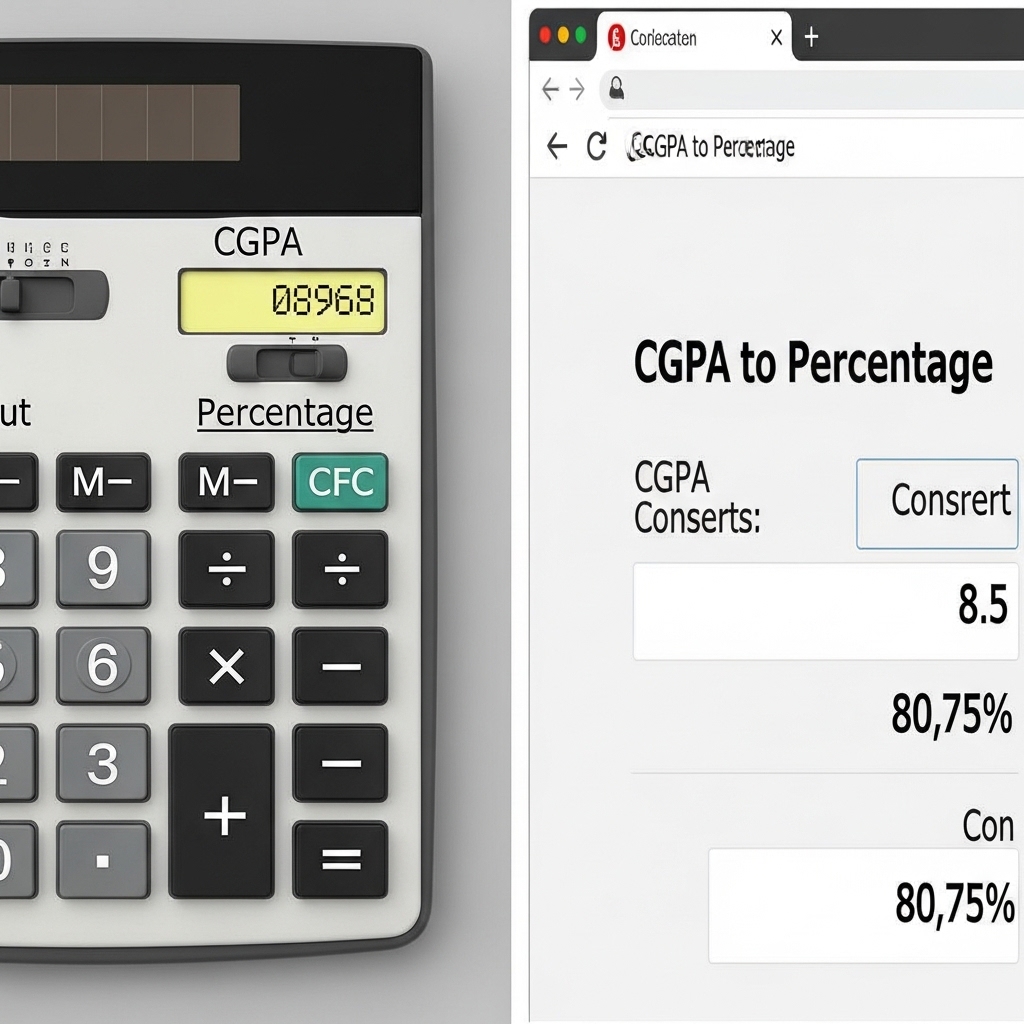
Vedantu offers a comprehensive CGPA calculator that converts CGPA to percentage using standard formulas . The tool is designed for students, teachers, and parents who want fast, accurate academic calculations. It uses NCERT and CBSE/ICSE methodology, making it reliable for Indian students.
The calculator works by taking subject-wise grade points or SGPAs as input. It then computes your CGPA and provides the percentage equivalent using the appropriate multiplier. The tool also includes sample calculations and a detailed explanation of the formula used.
Vedantu’s platform is mobile-friendly and completely free. You do not need to create an account or download any software. Simply enter your grade points, click calculate, and get your results instantly .
Key features of Vedantu CGPA Calculator:
- Uses NCERT and CBSE/ICSE methodology
- Provides step-by-step calculation details
- Mobile-friendly interface
- No sign-up or download required
Best for: Students following CBSE, ICSE, or standard Indian university grading systems.
Access: Available at Vedantu’s website under the calculators section.
2. iCBSE CGPA Converter
iCBSE provides a dedicated CGPA to percentage converter specifically designed for CBSE students . The tool uses the official CBSE formula: Percentage = CGPA × 9.5. It also offers a reverse converter that converts percentage back to CGPA.
The iCBSE tool includes a grade table showing the relationship between grades, grade points, marks ranges, and percentages. This transparency helps students understand how their CGPA translates to percentage marks. The calculator also explains why the multiplier is 9.5, citing CBSE’s analysis of five years of board exam data .
The tool is simple to use. Select your grades for each subject from dropdown menus, and the calculator automatically computes your CGPA and overall percentage. You can also directly enter your CGPA for conversion.
Key features of iCBSE CGPA Converter:
- Official CBSE formula (CGPA × 9.5)
- Grade table for reference
- Reverse converter (percentage to CGPA)
- Explanation of the 9.5 multiplier
Best for: CBSE students who need accurate CGPA to percentage conversion.
Access: Available at iCBSE’s website.
3. MathWorks CGPA Calculator
MathWorks offers a CGPA calculator available through MATLAB Central File Exchange . This tool supports multiple education systems, including Indian, US, and other international grading systems. It converts CGPA, GPA, and percentage with high accuracy based on standard formulas.
The tool features a simple interface for quick calculations. You can enter grades or marks manually to get tailored results. It supports custom inputs, making it useful for students from various educational backgrounds. The tool is optimized for smartphones, tablets, and desktops .
One advantage of the MathWorks tool is its multi-system support. If you are applying to universities abroad and need to convert your CGPA to US GPA equivalents, this tool can handle that conversion as well. It is completely free and requires no downloads or sign-ups.
Key features of MathWorks CGPA Calculator:
- Multi-system support (Indian, US, and other systems)
- Custom input for grades and marks
- Mobile-friendly design
- Free with no sign-up required
Best for: Students who need conversions across different grading systems, including international applications.
Access: Available through MATLAB Central File Exchange.
4. SPPU CGPA Calculator (GitHub)
For students of Savitribai Phule Pune University (SPPU), a specialized web-based calculator is available on GitHub . This tool is specifically designed for SPPU affiliated students and uses the official SPPU formula: Percentage = (CGPA – 0.75) × 10.
The calculator supports both the 2019 and 2024 exam patterns. It also allows you to select your specific course, including Engineering and BCS (Bachelor of Computer Science). The tool validates input to ensure CGPA values are between 0 and 10, preventing calculation errors .
The interface is simple. Enter your CGPA in the input field, click the convert button, and view your equivalent percentage instantly. The tool is mobile-responsive and can be used on any device.
Key features of SPPU CGPA Calculator:
- Official SPPU formula: (CGPA – 0.75) × 10
- Supports 2019 and 2024 exam patterns
- Course-specific options for Engineering and BCS
- Input validation for error prevention
Best for: SPPU students who need accurate CGPA to percentage conversion.
Access: Available on GitHub (search “SPPU CGPA Calculator”).
5. GPACalc Web Application
GPACalc is a lightweight web application for GPA and CGPA calculations . It supports multiple grading systems, including US 4.0, Singapore 5.0 and 4.0 variants, Malaysia 4.0, and India 10.0 CGPA. The tool includes functions for GPA/CGPA to percentage conversion and percentage to GPA conversion.
The web version is available at gpacalc.app. It is designed for students and educators who need to project cumulative CGPA from current CGPA, completed credits, and semester module grades. The tool uses accurate scale metadata for each supported grading system .
GPACalc is particularly useful for students planning their academic trajectory. You can use it to calculate what grades you need in future semesters to achieve a target CGPA. The percentage conversion feature is accurate and reliable.
Key features of GPACalc:
- Supports US, Singapore, Malaysia, and India grading systems
- Includes percentage to GPA reverse conversion
- Projected CGPA calculation feature
- Available as web app and MATLAB toolkit
Best for: Students who need both CGPA to percentage conversion and academic planning tools.
Access: Available at gpacalc.app.
University-Wise Conversion Formulas
Different universities use different formulas for CGPA to percentage conversion. Using the correct formula is essential for accuracy. Below is a table of common Indian university conversion formulas .
| University/Board | Conversion Formula | Example (8.0 CGPA) |
|---|---|---|
| CBSE | CGPA × 9.5 | 76% |
| SPPU (Pune University) | (CGPA – 0.75) × 10 | 72.5% |
| Mumbai University | (CGPA – 0.75) × 10 or 7.1 × CGPA + 11 | 72.5% or 67.8% |
| VTU | (CGPA – 0.75) × 10 | 72.5% |
| Anna University | CGPA × 10 | 80% |
| MAKAUT | CGPA × 10 | 80% |
| GTU | (CGPA – 0.5) × 10 | 75% |
| KTU | CGPA × 10 | 80% |
| Calcutta University | CGPA × 10 | 80% |
| JNTU | (CGPA – 0.5) × 10 | 75% |
Important note: Always check your official transcript or university website for the exact formula applicable to your batch. Some universities have changed their formulas over time .
Step-by-Step Guide to Using Online CGPA Converters
Using an online CGPA converter is straightforward, but following the correct steps ensures accuracy. Here is a general guide applicable to most tools.
Step 1: Identify your university or board.
Determine which conversion formula applies to you. Check your official transcript, student handbook, or university website. If you are a CBSE student, use the CGPA × 9.5 formula. If you are from SPPU, use (CGPA – 0.75) × 10.
Step 2: Select the appropriate tool.
Choose a tool that supports your university’s formula. For CBSE, use iCBSE or Vedantu. For SPPU, use the dedicated SPPU calculator. For multiple universities, use MathWorks or GPACalc.
Step 3: Enter your CGPA.
Input your CGPA value in the designated field. Ensure you enter the correct value as shown on your transcript. Most tools accept values between 0 and 10 or 0 and 4, depending on the scale.
Step 4: Select your grading scale (if applicable).
Some tools require you to select your grading scale (e.g., 10-point, 4-point, percentage). Choose the scale that matches your institution.
Step 5: Click calculate.
The tool will process your input and display the equivalent percentage. Some tools also show the formula used in the calculation.
Step 6: Verify the result.
Cross-check the result using the manual formula. For example, if the tool says your 8.0 CGPA equals 76%, verify by calculating 8.0 × 9.5 = 76%. This verification step catches any tool errors.
Common Mistakes to Avoid When Using Online Converters
Using a generic converter for a specific university formula.
Generic converters often use CGPA × 9.5 by default. If your university uses a different formula, the result will be incorrect. Always use a tool that supports your specific university or allows you to select the formula.
Entering the wrong CGPA value.
Double-check your CGPA on your official transcript before entering it into any tool. A typo can lead to an incorrect percentage.
Assuming all universities use the same formula.
This is a common and costly mistake. As shown in the table above, conversion formulas vary significantly. Always verify your university’s official formula.
Rounding prematurely.
Some tools round results to two decimal places. If you need a more precise value for applications, use a tool that displays the full result or calculate manually.
Not verifying the result.
Even the best tools can have errors. Always verify your conversion using the manual formula or by cross-referencing with another reliable tool.
Manual Conversion Formulas for Verification
Knowing the manual formulas allows you to verify online tool results quickly. Here are the most common formulas .
CBSE and most Indian schools:Percentage = CGPA × 9.5
SPPU and Mumbai University:Percentage = (CGPA – 0.75) × 10
VTU (Visvesvaraya Technological University):Percentage = (CGPA – 0.75) × 10
Anna University:Percentage = CGPA × 10
GTU (Gujarat Technological University):Percentage = (CGPA – 0.5) × 10
MAKAUT:Percentage = CGPA × 10
For US 4.0 GPA scale:Percentage = GPA × 25
Frequently Asked Questions (FAQs)
Q1: Which online tool is best for CBSE CGPA to percentage conversion?
The iCBSE CGPA converter and Vedantu CGPA calculator are both excellent choices for CBSE students. Both use the official CBSE formula (CGPA × 9.5) and are free to use .
Q2: Is there a dedicated tool for SPPU students?
Yes. A web-based SPPU CGPA calculator is available on GitHub. It uses the official SPPU formula: Percentage = (CGPA – 0.75) × 10. The tool supports both 2019 and 2024 exam patterns .
Q3: Can I convert CGPA to percentage for US university applications using these tools?
Yes. The MathWorks CGPA calculator and GPACalc both support US grading systems. For US applications, use the formula GPA × 25, where GPA is on a 4.0 scale .
Q4: Are these online tools free to use?
Yes. All the tools mentioned in this guide are completely free. None require sign-ups, downloads, or payment for basic conversion features .
Q5: How do I know which formula my university uses?
Check your official transcript or student handbook. Many universities print the conversion formula directly on the transcript. You can also check your university’s official website or contact the examination department .
Q6: Can I use these tools on my mobile phone?
Yes. Most CGPA conversion tools are mobile-responsive and work on smartphones and tablets. The MathWorks and Vedantu tools are specifically optimized for mobile devices .
Q7: What is the correct formula for Anna University?
Anna University uses the formula: Percentage = CGPA × 10. For example, a CGPA of 8.0 equals 80% .
Q8: Why do different universities use different conversion formulas?
Each university establishes its own grading standards based on its assessment methods, credit systems, and academic rigor. The conversion formula reflects how the university maps grade points to percentage marks. Always use your university’s official formula .
Q9: Can I convert percentage back to CGPA using these tools?
Yes. Many tools offer reverse conversion. The iCBSE converter and GPACalc both include percentage to CGPA conversion features .
Q10: How accurate are these online tools?
When used with the correct university-specific formula, these tools are highly accurate. However, you should always verify the result using the manual formula, especially for official applications like study abroad admissions or job placements .
Comparison Table: Top CGPA Conversion Tools
| Tool | Best For | Supported Formulas | Mobile-Friendly | Free |
|---|---|---|---|---|
| Vedantu CGPA Calculator | CBSE and Indian universities | CGPA × 9.5 and others | Yes | Yes |
| iCBSE CGPA Converter | CBSE students | CGPA × 9.5 | Yes | Yes |
| MathWorks CGPA Calculator | Multiple systems (India, US, others) | Multiple scales | Yes | Yes |
| SPPU CGPA Calculator (GitHub) | SPPU students | (CGPA – 0.75) × 10 | Yes | Yes |
| GPACalc | International students, academic planning | US, Singapore, Malaysia, India | Yes | Yes |
Conclusion
Converting CGPA to percentage accurately is essential for academic and professional success. Online tools make this process fast and error-free, but only when you use the correct tool for your specific university or board. CBSE students should use tools that apply the CGPA × 9.5 formula, while SPPU students need tools that use (CGPA – 0.75) × 10.
The tools covered in this guide — Vedantu, iCBSE, MathWorks, SPPU GitHub calculator, and GPACalc — are all reliable, free, and easy to use. Each serves a different audience, so choose the one that matches your institution. Always verify your results using the manual formula, especially for official applications.
Remember that conversion formulas vary by university and may change over time. Always check your official transcript or university website for the most current formula applicable to your batch. With the right tool and careful verification, you can confidently convert your CGPA to percentage for any purpose.


